A1 Building Futures 5 - Week 1: Unit 1
Building Futures 5, Unit 1 Week 1 — greetings and classroom functional language, classroom vocabulary matching and gap-fill, numbers in words, and social-skills situational judgement.
PRODUCT TOUR
One app for teachers and learners: assign work, build tests, decide the grades AI suggests, and see who needs help.
Assignments for the whole class or named students Tests the teacher previews, edits and approves The class average and the courses below 60% Books read aloud, with the word being read lit up Announcements sent now, scheduled or kept as a draft
Reports in the Carna teacher app. Carna School London is a sample school; the names and scores are demo data.
01 · Teach
Carna Smartboard opens your school's licensed coursebooks on the classroom board in one click. The school admin decides which classes each board is open to.
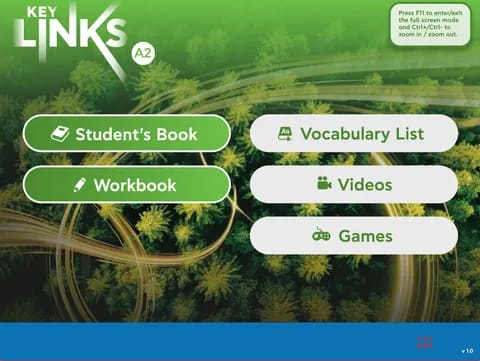
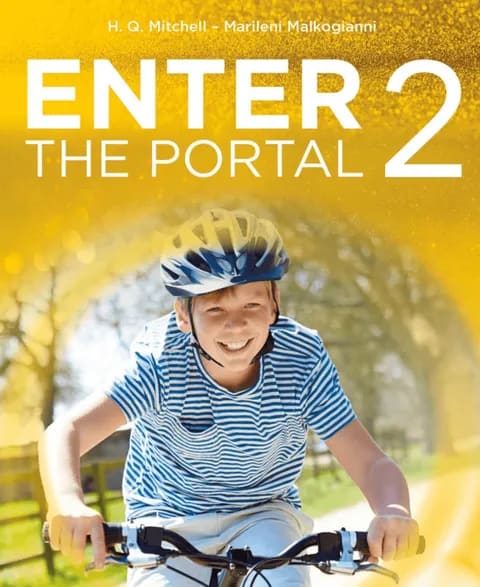
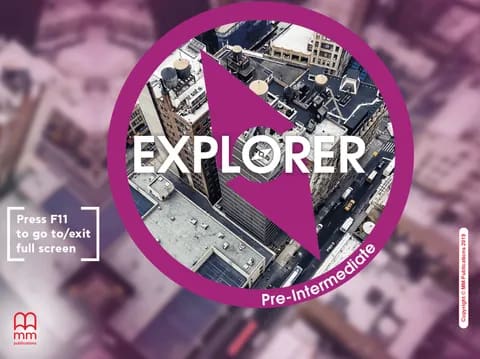
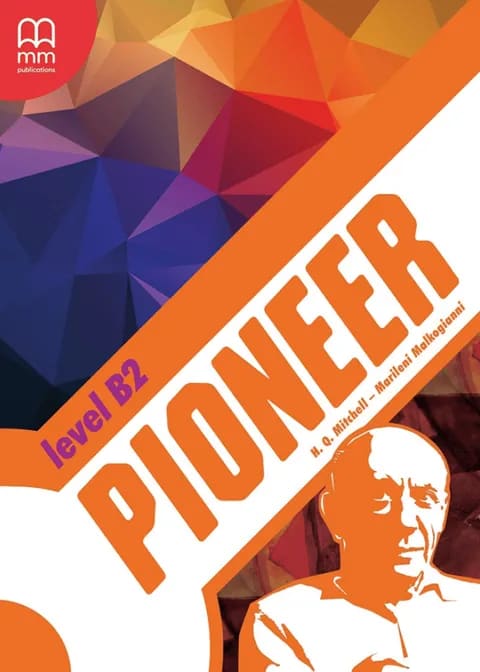
Covers from the Smartboard catalogue: coursebooks a school can license and open on the board.
02 · Assign
A module, a generated test or practice from the library: you choose what the class gets, and who gets it.
Choose the module, the whole class or a few students, the due window and the number of attempts. One action assigns and publishes it, and late work is refused unless you allow it.
Assigning a module in the Carna teacher app. Carna School London is a sample school; the class, the module and the dates are demo data.
Test Generation is in beta. Set the level, the categories and the question types, and start from scratch, from your coursebook or from the MEB curriculum. You preview, edit and approve every question before it is saved.
Test Generation in the Carna teacher app, in beta. Carna School London is a sample school; the class and the settings are demo data.
Practice is in beta. Assign speaking scenarios, independent speaking and essay writing from the Carna Library to a class: ordering at a café at A1, a job interview at B2.
Practice in the Carna teacher app, in beta. Carna School London is a sample school; the assignments are demo data.
03 · Mark & review
For essays, Carna proposes a score, a CEFR level and how sure it is, with the reasoning open: what went well, what to work on. Nothing is recorded until a teacher approves or changes it.
04 · See progress
Open Carna and the students who need you are already listed: not started, overdue or a low score, each with the score. One click opens the class report; one more opens the student, course by course.
HOME · NEEDS SUPPORT
Not started, overdue or a low score, each with the score, on the teacher's home screen.
Needs Support 3
The Needs Support card on a teacher's home screen. Names and scores are samples.
REPORTS · OVERVIEW
Every course ranked by its success rate, and how the class's scores spread around the average.
A class report in Carna. Carna School London is a sample school; the courses and scores are demo data.
REPORTS · ONE STUDENT
Her average against the class, what she handed in, how many tries it took, and the worksheet that came in late, course by course. The app says it itself: nothing here is a final mark.
One student's report in Carna. Carna School London is a sample school; the student and her scores are demo data.
05 · The learner's side
Students open Carna to everything their teacher assigned, soonest due first, and pick up where they stopped. A quiz is solved section by section with an answer sheet; a book is read aloud with the word being read lit up.
Soonest due first, with a verb that says where they left off.
The learner's Learn screen. Carna School London is a sample school; the assignments and dates are demo data.
An answer sheet shows what is left before they finish.
Solving the Reading Quiz in the Carna student app. The questions and answers are demo data.
The word being read is lit up as the narration plays.
Reading a book in the Carna student app. The book and the progress are demo data.
06 · Run the school
Tools holds the school's announcements, with class and teacher materials beside them. Each one is sent, scheduled or kept as a draft, and addressed to one class or the whole school. Pair a parent with a code, and they follow their own child and nothing about the rest of the class.
Tools in the Carna teacher app. Carna School London is a sample school; the announcements are demo data.
A student creates a pairing code in Settings; a parent enters it in the portal and sees that one student's progress: assigned and completed work, attempts, the average result and notifications.
QUESTIONS
Short answers; the screen that shows each one is in the chapters above.
No. For essays, Carna proposes a score, a CEFR level and how sure it is, with the reasoning open. Nothing is recorded until a teacher approves or changes it, and the gradings table shows when a teacher changed a mark.
It is in beta. You set the level, the categories and the question types, start from scratch, from your coursebook or from the MEB curriculum, and you preview, edit and approve every question before it is saved.
Yes. When you assign a module you choose the class or the students, the due window, the number of attempts and whether late submissions are allowed. One action assigns and publishes it.
A parent enters the pairing code their child creates in Settings and sees that one student: assigned and completed work, attempts, the average result and notifications. Nothing about the rest of the class.
The screens are the Carna app for schools and businesses, shown with a sample school, Carna School London, and demo students. The names, dates and scores are samples; the features are the shipped product, and anything in beta says so.
Book a demo. We walk through the app with your school's classes and coursebooks in mind. Schools and businesses are licensed per seat and quoted after the demo.
BOOK A DEMO
A demo walks through the same app with your classes, coursebooks or teams in mind. Schools and businesses are licensed per seat and quoted after the demo.